

ZoomInfo’s ChatGPT MCP places verified firm and contact information immediately inside a small enterprise’s ChatGPT dialog, so a lean gross sales or advertising and marketing group can analysis accounts, construct prospect lists, and put together for renewals with out switching instruments. The plugin connects by way of ZoomInfo’s Mannequin Context Protocol (MCP) integration, and each new connection begins with 100 free AI credit. Under are 5 concrete methods small enterprise groups are already placing it to work, every one an entire workflow relatively than a single information lookup.
What’s ZoomInfo in ChatGPT?
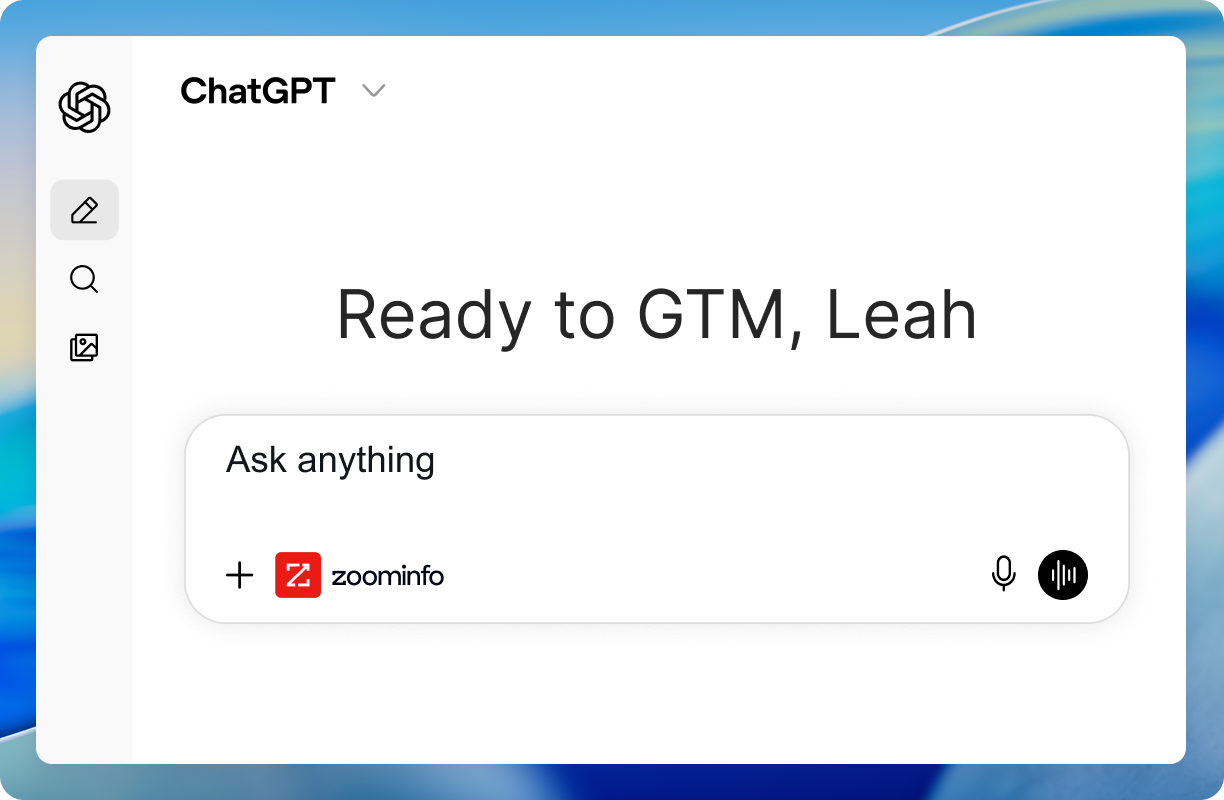
ZoomInfo in ChatGPT is a plugin that connects ZoomInfo’s B2B database to a ChatGPT dialog, so a person can ask for account analysis, prospect lists, or contact particulars in plain language as an alternative of logging right into a separate platform.
What’s essential for a small enterprise is that it is not another piece of software program to handle. A two-person business-development perform can transfer by way of the identical analysis and list-building work that used to take a devoted analyst, with out including headcount or new logins. It is one entry in a broader set of AI gross sales instruments constructed for small companies, however the one one which works immediately inside ChatGPT.
With the ZoomInfo ChatGPT plugin, outcomes open as working ZoomInfo views, so a small group can alter a listing with clicks as an alternative of rewriting a immediate.
How do small companies join ZoomInfo inside ChatGPT?
A person opens ChatGPT, selects the “+” button under the immediate field, and chooses ZoomInfo from the checklist of obtainable connectors. After authenticating with an present ZoomInfo account, the instruments can be found instantly, there isn’t any separate admin activation step. The primary connection contains 100 free AI credit. As a result of ChatGPT doesn’t persist the connection throughout classes, a person selects ZoomInfo once more every time they begin a brand new dialog that wants it.
Underneath the hood, the connection runs on the ZoomInfo MCP Server, the identical Mannequin Context Protocol connection used to achieve Claude, Microsoft Copilot, and different AI instruments, powered by GTM.AI ZoomInfo’s headless choice.
1. How can a small group construct a prospect checklist with out hours of handbook analysis?
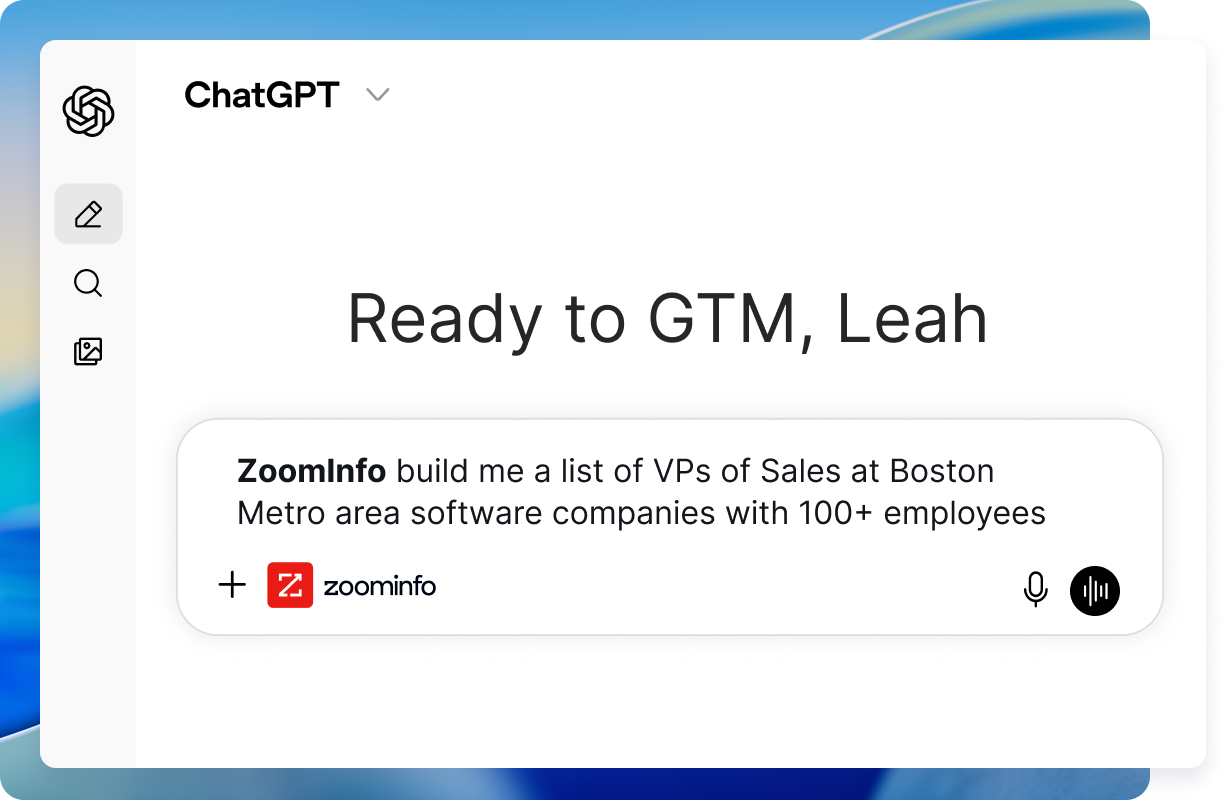
A person describes a target market in plain language, business, headcount, location, know-how used and ZoomInfo returns a structured, exportable desk of matching corporations or contacts.
A 3-person business-development group at a regional providers agency that used to spend a full afternoon every week hand-building outbound lists can as an alternative ask ChatGPT immediately: “Search VPs of Gross sales at fintech corporations in California,” or “Give me the highest 10 corporations in Boston by annual income.”
The group nonetheless opinions the ensuing checklist earlier than something is loaded right into a CRM or outreach sequence and Construct Listing produces the goal checklist, not the outreach itself. It is a quick technique to execute step one of any small enterprise lead era technique.
2. How can a small enterprise put together for a primary name with out digging by way of 5 instruments?
As a substitute of piecing collectively firmographics, current information, and CRM notes from separate tabs, a person asks ChatGPT to analysis a selected account and will get a single transient for the corporate background, measurement, business context, and certain priorities all organized across the determination the decision is definitely about.
A immediate like “Analysis [account name] and summarize its enterprise, business, measurement, and certain priorities” turns pre-call prep from a 30-minute scramble right into a two-minute learn, which issues most for a small group and not using a devoted sales-ops perform to do this digging upfront.
3. How can a lean gross sales group discover the suitable folks to contact at a goal account?
Ability: Shopping for Committee
Small groups usually lose offers not as a result of the product was mistaken, however as a result of they had been speaking to the mistaken individual, or just one individual.
This ability maps the shopping for committee at a goal account, figuring out doubtless decision-makers, prioritizing who to interact first, and flagging when a deal is in danger from single-threading.
A immediate resembling “Discover really useful contacts at [company name] for [use case]” provides a small group the identical multi-threading self-discipline that bigger gross sales organizations construct into their course of by default.
4. How can a small enterprise preserve contact data correct with out handbook lookups?
A person appears up an individual’s full skilled profile: title, division, verified contact particulars, and an accuracy rating by e-mail, title and firm, LinkedIn URL, or telephone quantity. That is the workflow that retains a small enterprise’s CRM from going stale: as an alternative of a group member manually verifying a title or e-mail handle earlier than an outreach ship, ChatGPT returns it in the identical dialog. A immediate like “Enrich this contact with their title, firm, location, and related firmographic particulars” is a direct match for pre-outreach checks or CRM cleanup, the identical job ZoomInfo’s MCP server for CRM enrichment does for data that stay in Salesforce or HubSpot as an alternative of ChatGPT.
5. How can a small enterprise get forward of a renewal dialog?
Forward of a renewal, a person asks ChatGPT to drag collectively the worth case, danger alerts, and stakeholder state for an account, drawn from current conversations and account analysis. For a small customer-success perform juggling renewals alongside every little thing else, this turns renewal prep from a scramble the week earlier than right into a workflow that surfaces the place the champion stands and what dangers should be dealt with earlier than the decision, not only a abstract of the contract phrases.
Folks keep in management
Throughout all 5 expertise, ZoomInfo’s function inside ChatGPT is to usher in context and put together a draft output for an individual to evaluation. It doesn’t ship emails, replace CRM data, or take different consequential actions by itself.
That distinction issues for a small group deciding how a lot to belief an AI workflow with actual buyer relationships: the plugin provides analysis capability, and the proprietor or group nonetheless makes the decision.
Getting began
Small enterprise groups already on ZoomInfo can join the plugin immediately inside ChatGPT and begin with 100 free AI credit. See what the ZoomInfo ChatGPT plugin provides.
From there:
Join ZoomInfo
Learn the documentation
FAQ
Do I have to already be a ZoomInfo buyer to make use of this?
Sure. The ChatGPT connection is constructed for present ZoomInfo clients on ChatGPT Plus, Staff, or Enterprise plans; it connects to an present ZoomInfo account relatively than creating a brand new one.
Does ChatGPT keep in mind my ZoomInfo connection between conversations?
No. ChatGPT requires a person to pick out ZoomInfo once more in the beginning of every new dialog — it doesn’t persist robotically throughout classes.
Is there a price to attach ZoomInfo to ChatGPT?
The primary connection contains 100 free AI credit, and no separate admin activation step is required earlier than a person can begin prompting.
Does ZoomInfo take actions on my behalf inside ChatGPT?
No. ZoomInfo surfaces analysis, lists, contact data, and proposals contained in the dialog. Sending outreach, updating a CRM, or another consequential motion nonetheless requires an individual’s evaluation and approval.
What information can I entry by way of the plugin?
Firm and get in touch with data, firmographics, buying-committee mapping, contact enrichment, and related firm or related contact search.

